Videos · 39 sec
Flashcards Practice Mode
A Flashcards session: flip each card, rate how well you remembered it, and SM-2 schedules the next review.
What happens in this video
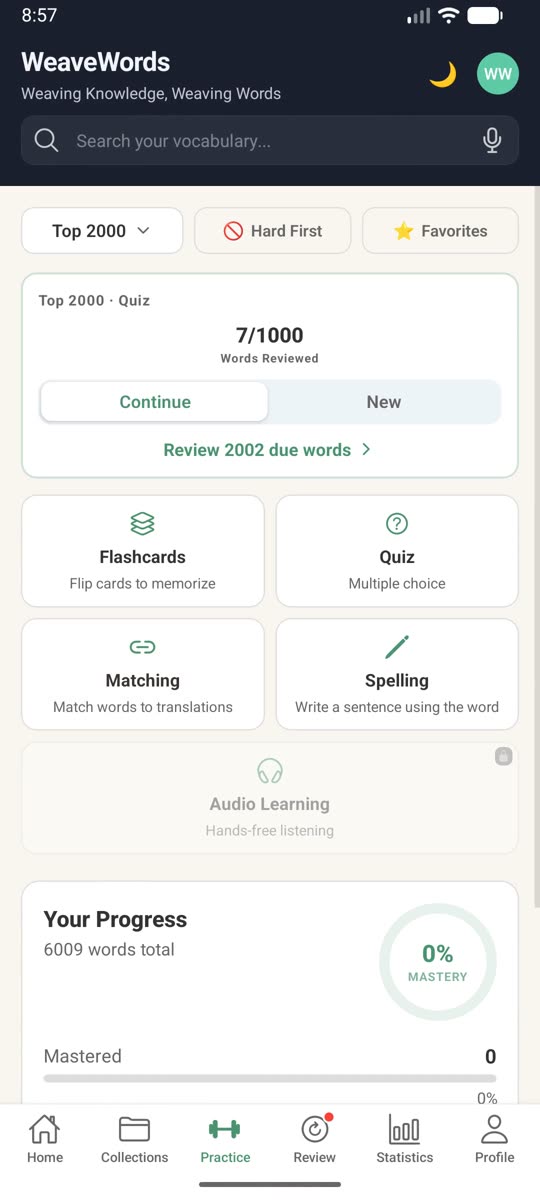
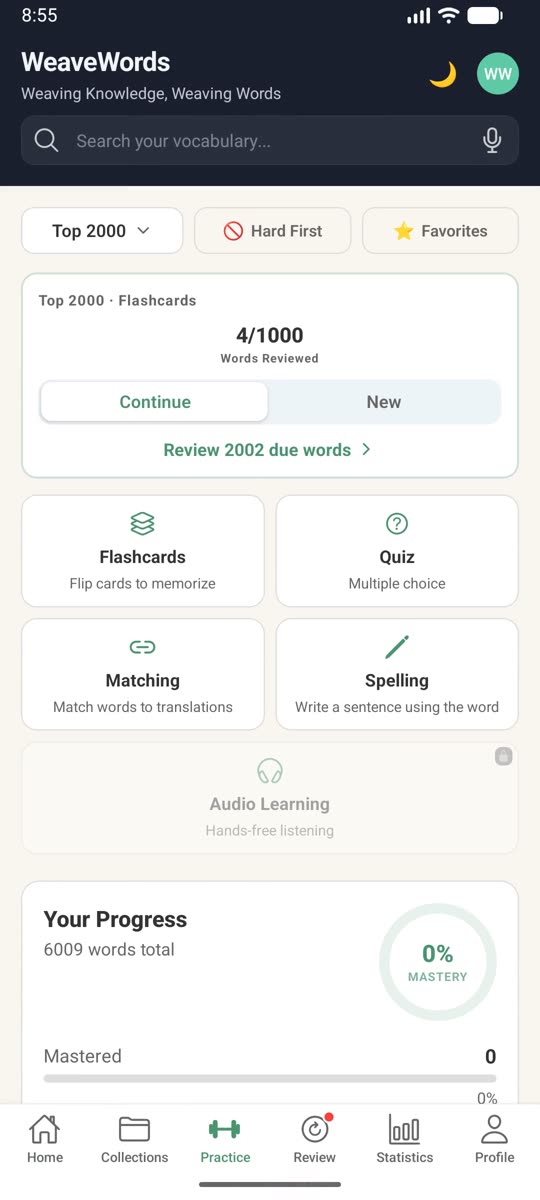
- Open the Practice tab. At the top you can limit the session to one collection, start with your hardest words, or practice favorites only.
- The video switches the collection from All words to Top 2000. The panel shows how many words are due today, reviewed and mastered, with Continue and New buttons.
- Below are the practice modes: Flashcards, Quiz, Matching, Spelling and Audio Learning. Tap Flashcards.
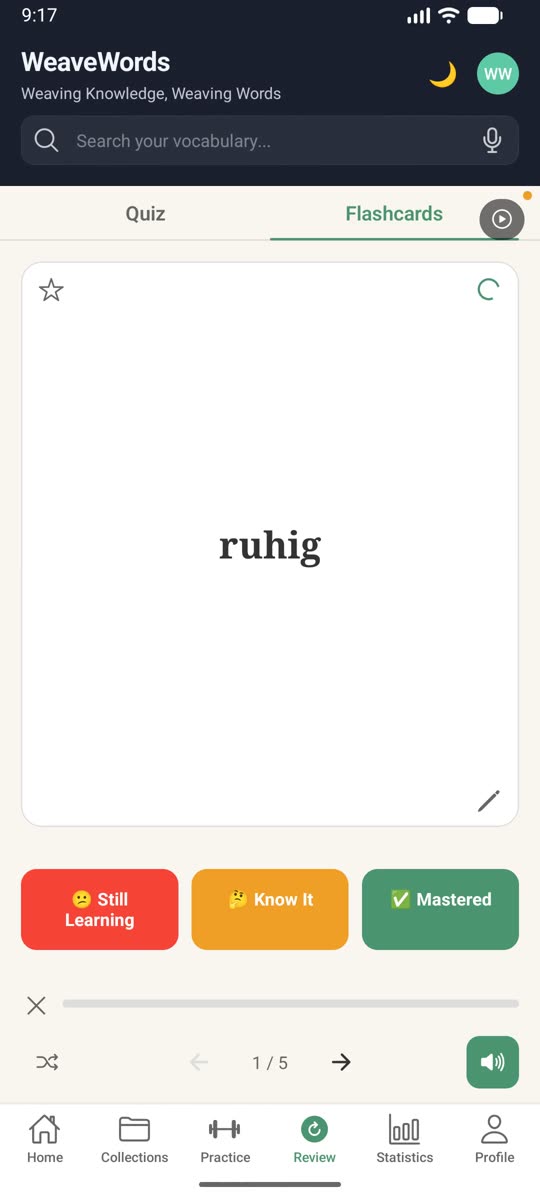
- Each card shows a German word, such as gewohnt or die Heimat. Try to recall the meaning, then tap the card to see the translation.
- Rate yourself with Still Learning, Know It or Mastered. That rating drives the SM-2 schedule: words you struggle with come back soon, words you know are spaced further out.
- A counter at the bottom shows your place in the session; there are buttons to shuffle, go back and hear the word read aloud.