Videos · 22 sec
How to Create a Vocabulary Collection
Create a new collection to organize words by topic, level, or source, and keep separate review progress for each one.
What happens in this video
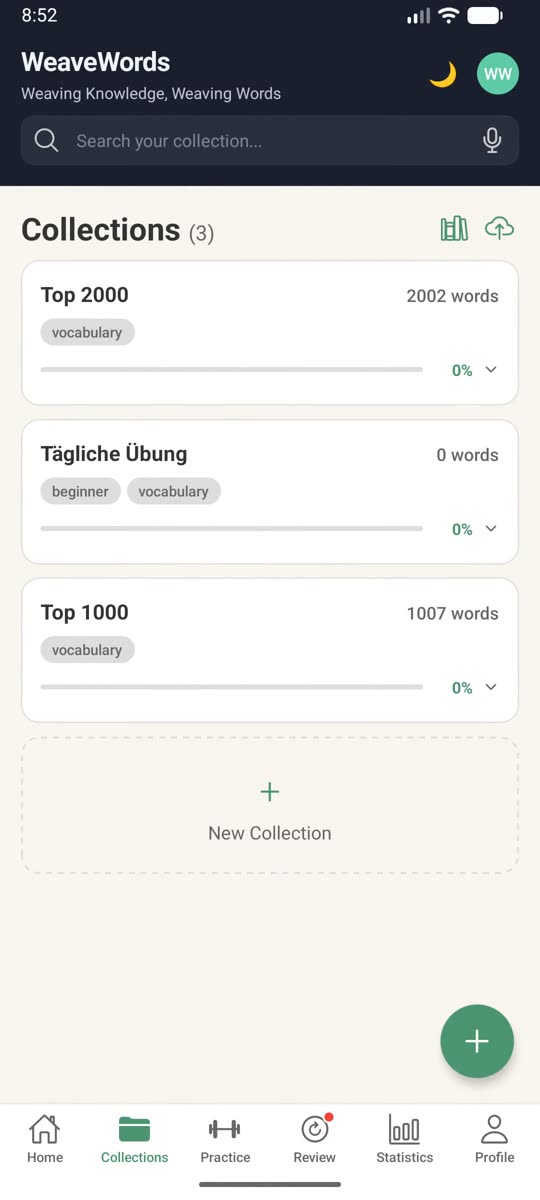
- Open the Collections tab. It shows each collection with its word count and progress. Tap New Collection.
- Enter a name. In the video it's Tägliche Übung (daily practice), pasted from the clipboard. You can also add a short description.
- Under collection settings, pick a level (here Beginner) and a type: Vocabulary, Phrases or Idioms. Visibility stays Private unless you want to share the list.
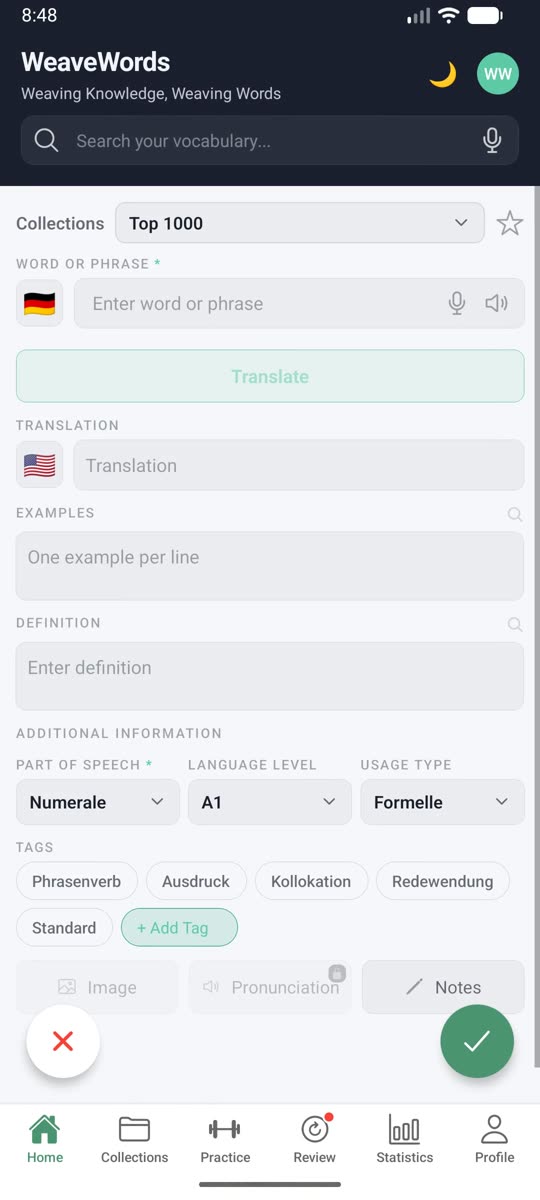
- Optionally add tags, such as phrasal verb or expression, to group words later.
- Tap the green check mark. The new collection appears at the top of the list with 0 words, ready for you to add words to it.