Videos · 22 sec
How to Import Vocabulary from a File
Import an existing deck — CSV, Anki .apkg, Quizlet export, or ReWord backup — map the fields, and pick a target collection.
What happens in this video
- This clip shows adding ready-made word lists to your account. To import your own file instead (Anki .apkg, Quizlet export, ReWord backup or CSV), see the step-by-step guide linked below.
- Start on the Collections tab. Here the account already has Top 1000, Top 2000 and a personal collection.
- Open the list of ready-made collections. Each shows its language and size, for example Top 3000 · DE · 3000 words; the ones you already own are marked Added.
- Tap Add next to Top 3000. It switches to Added in a moment.
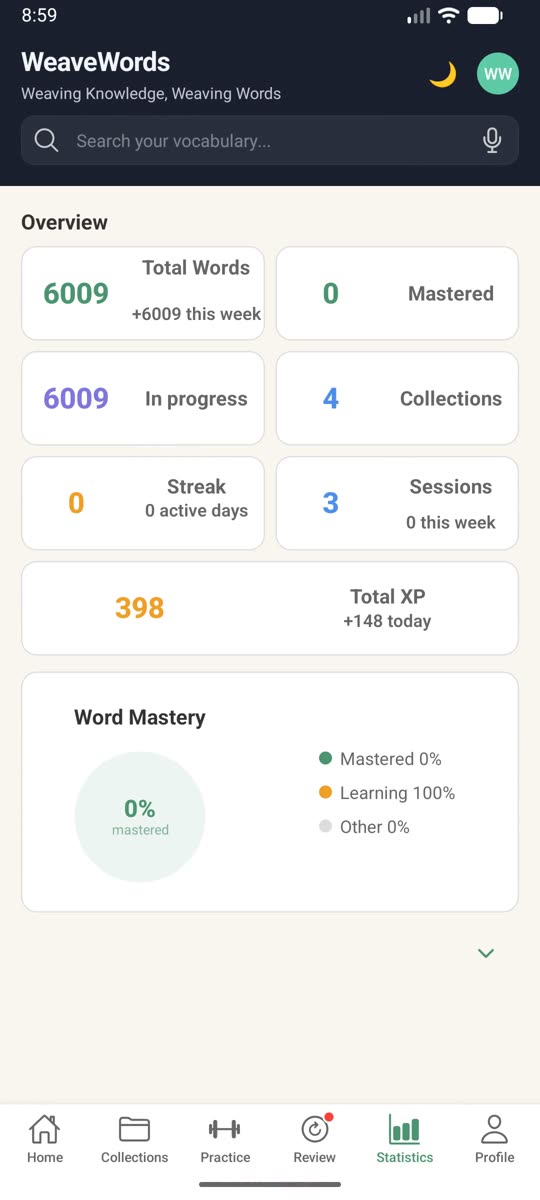
- Back on the Collections tab, Top 3000 is now at the top with its words, and the collection count has gone from 3 to 4. New words from it are paced into your daily reviews.